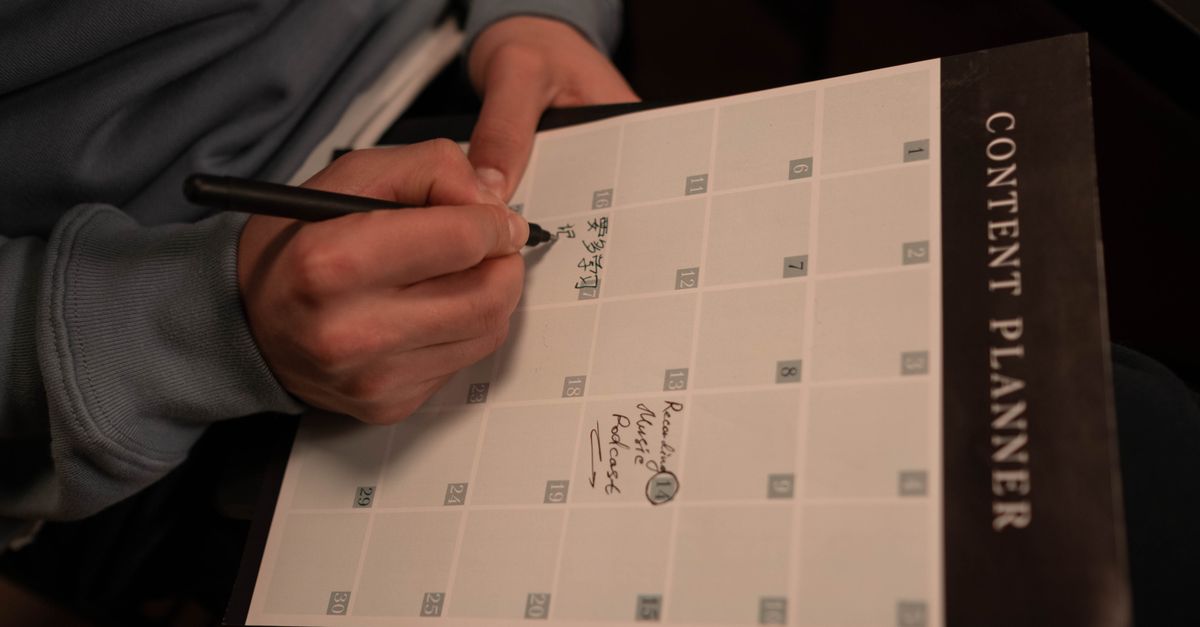
A managed blog calendar is not just a list of article ideas. For a small business site, it is the operating rhythm that decides what to draft, what to review, what to publish, what to refresh, and what to leave alone.
The practical answer is that the calendar should connect services, reader questions, seasonal timing, review capacity, publishing dates, refresh work, and reporting. Without those pieces, the calendar becomes another abandoned spreadsheet.
Start With Services And Reader Questions
A useful calendar begins with the pages and services the business actually wants to support. A plumber, tutor, accountant, or repair shop does not need random posts; it needs articles that answer the questions customers ask before choosing, booking, preparing, or following up.
For example, a local service business might plan one article around a seasonal question, one around a pre-booking checklist, and one around a common support explanation. That mix is more useful than chasing a generic keyword list with no owner.
Put Review Capacity On The Calendar
Small businesses do not fail at blogging only because they lack topics. They fail because nobody has time to review drafts, confirm details, approve examples, or say when a claim needs a softer boundary.
A managed calendar should show the review moment before the publish date. A weak workflow says, “article due Friday.” A stronger workflow says, “draft ready Tuesday, owner reviews offer details Wednesday, publish Thursday if no policy or source issue remains.”
Managed Blog Calendar Workflow
Use this workflow as the monthly operating loop. Each row should have a decision, not only a date.
| Calendar Step | Decision To Make | Output |
|---|---|---|
| Topic selection | Which reader question supports a real service or useful site goal? | One article brief or refresh brief. |
| Draft and review | Who checks facts, offers, examples, and tone before publishing? | Approved draft, revision note, or hold decision. |
| Publishing slot | Which day fits the site cadence and review state? | Scheduled or published article with correct status. |
| Refresh and reporting | Which existing page should be updated before adding another post? | Refresh task, internal link update, or report note. |
Use Refreshes Instead Of Duplicates
A calendar should protect the site from writing the same article twice. If an existing post already answers the intent but is thin, outdated, or disconnected from newer service pages, the better slot may be a refresh rather than a new draft.
This is where reporting helps. Search Console can show which pages earn impressions or clicks, while WordPress state can show what is already published, drafted, pending, or ready for review. The calendar should turn that evidence into the next practical decision.
Keep The Cadence Boring Enough To Continue
A strong small-business calendar is usually steady, not heroic. One good article a week or a few reviewed articles a month can beat a burst of unreviewed posts followed by silence.
The managed part matters because someone keeps the loop moving: topic choice, draft creation, source review, internal links, CMS status, and report notes. The business still reviews the parts only it can know.
Connect The Calendar To The Publishing System
Bakepages is built around WordPress publishing operations, review checkpoints, and practical reporting. WordPress documentation such as the WordPress posts screen guide explains the CMS side, while Google Search Console performance reporting helps frame measurement without promising rankings.
For nearby Bakepages reading, connect this article with what managed blog publishing includes, blog cadence for a small business site, and a review-first AI content workflow. The next step is to choose one service priority and one existing page that may need a refresh before adding a new topic.